# How to Send & Receive
> Learn how to send and receive MINA
Canonical URL: https://docs.minaprotocol.com/using-mina/how-to-send-and-receive
Learn how to send and receive MINA
### Prerequisites
First, ensure you have [installed a Mina wallet](../using-mina/install-a-wallet).
### Receiving MINA
To receive MINA, you must provide the unique address for your Mina account to the sender.
Here’s how to find your address within common wallets:
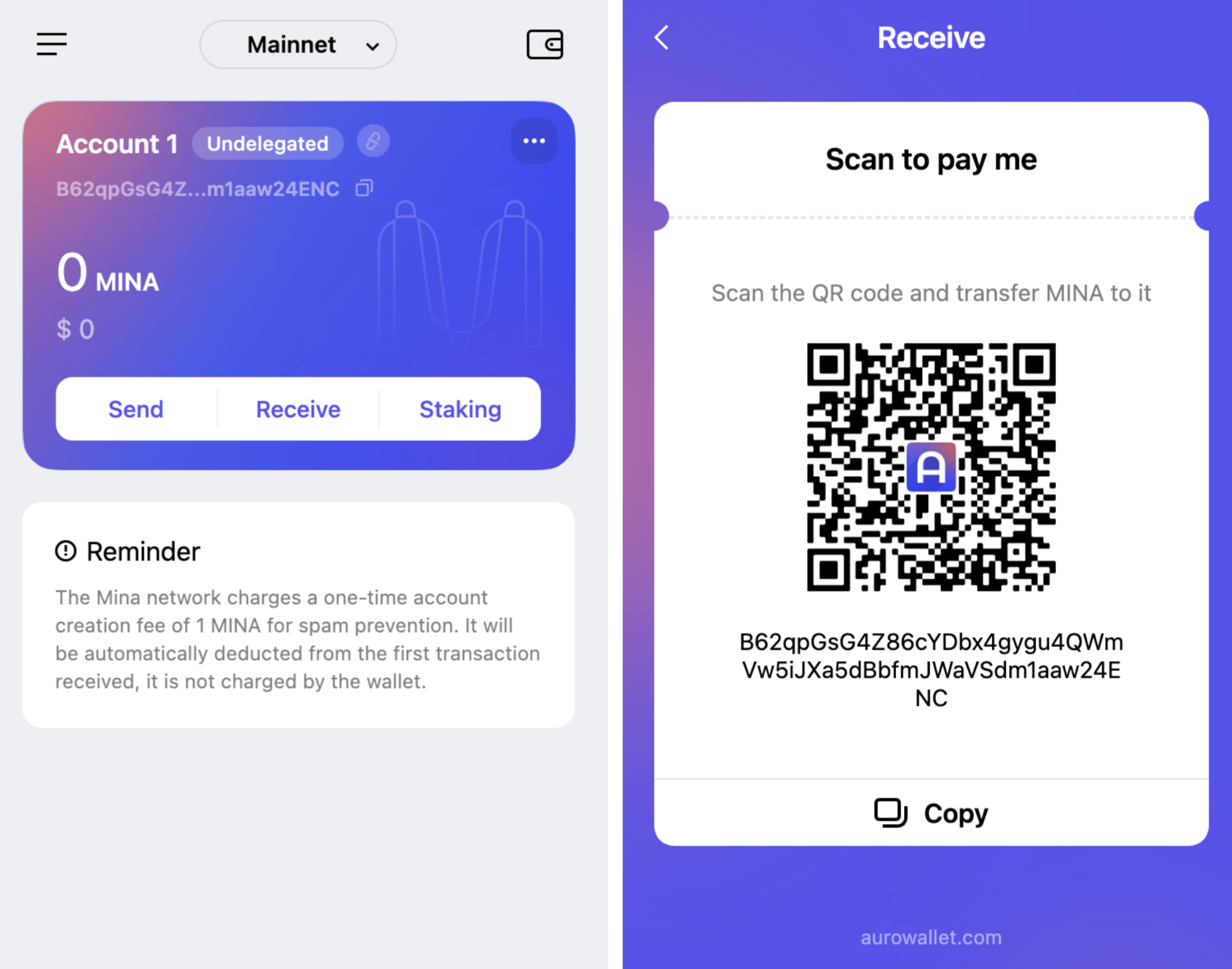
- [**Auro**](https://www.aurowallet.com) - Open the wallet, tap “*Receive*”, and tap “*Copy*” to share your address or QR code representing this address.
- [**Clorio Wallet**](https://clor.io) - Open the wallet and tap at the top to copy your address.
- [**Ledger Hardware Wallet**](https://www.ledger.com/mina-wallet) - Follow the [instructions on creating a Ledger Mina account via Auro Wallet](https://support.ledger.com/hc/en-us/articles/5458493215901-Creating-a-Ledger-MINA-account-via-Auro-Wallet?docs=true), then see the instructions for receiving MINA on Auro wallet above.
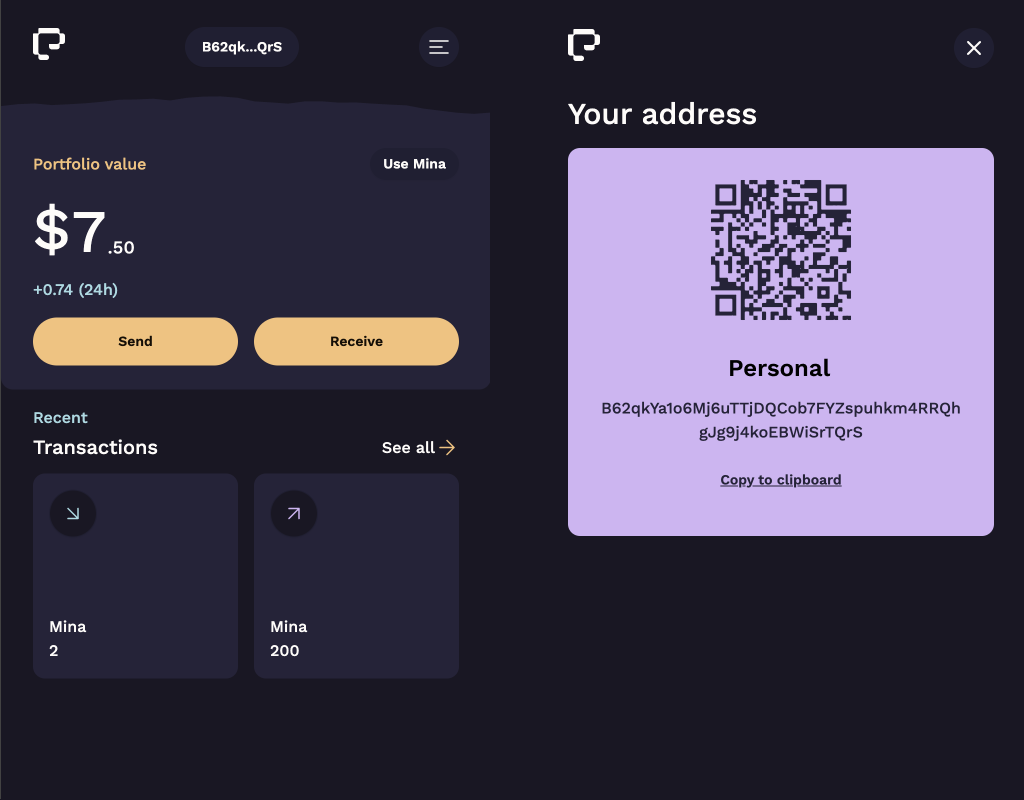
- [**Pallad**](https://get.pallad.co/website) - Open the wallet, tap "*Receive*", and tap "*Copy to clipboard*" to share your address. Wallet's QR code is displayed as well.
:::note
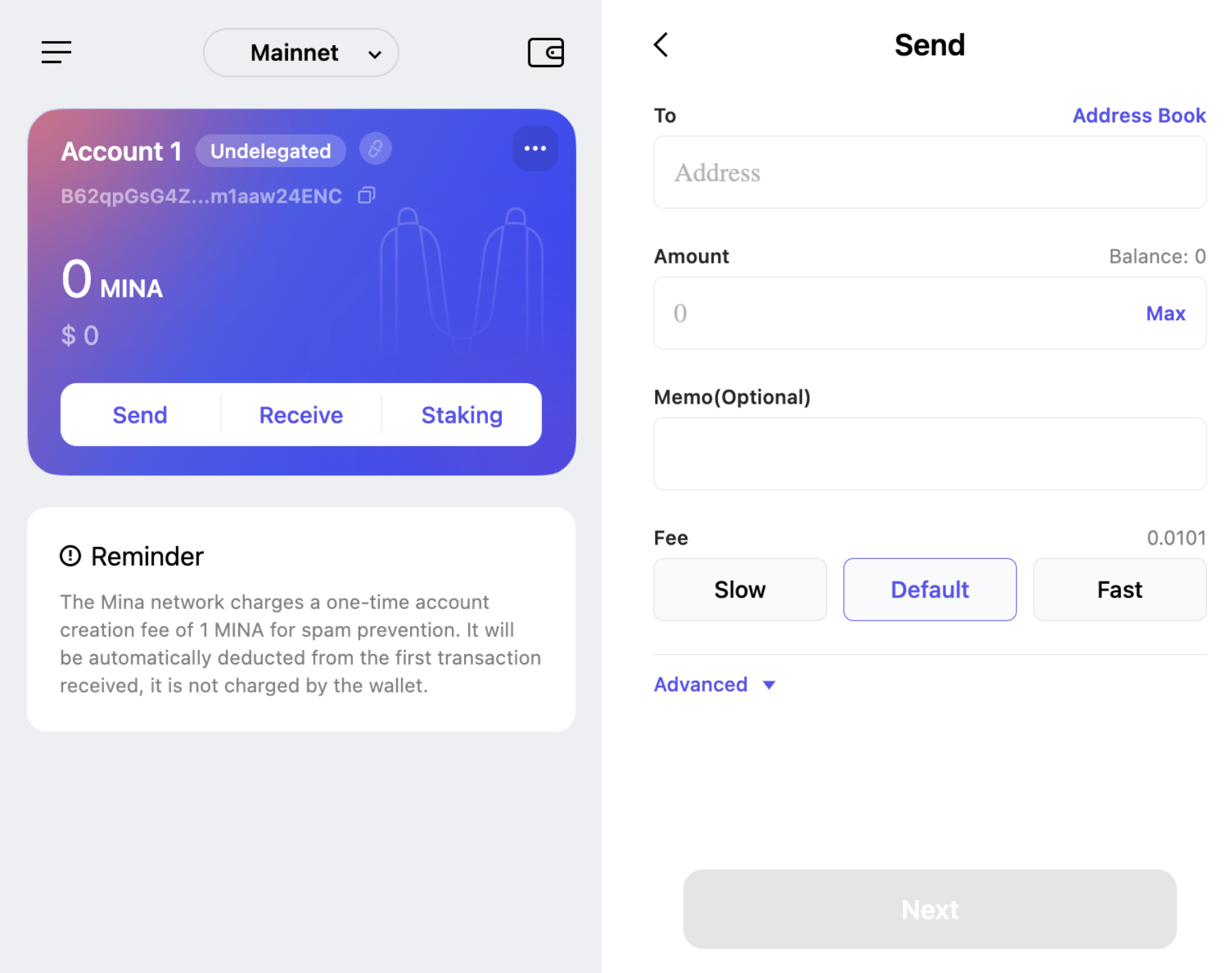
To prevent spam, the Mina network charges a one-time account creation fee of 1 MINA. This fee is automatically deducted from the first transaction received.
:::
### Sending MINA
When sending MINA, always double check that you have the correct Mina address for the recipient. Remember that transactions on the Mina blockchain are final and irreversible.
- [**Auro**](https://www.aurowallet.com) - Open the wallet, tap “*Send*”, enter in the address, amount, and fee, and tap “*Next*” then “*Confirm*”.
- [**Clorio Wallet**](https://clor.io) - Open the wallet, tap “*Send TX*”, and enter in the address, memo, amount, and fee, tap “*Preview*”, and enter in the nonce then tap “*Confirm*”.
- [**Ledger Hardware Wallet**](https://www.ledger.com/mina-wallet) - Follow the [instructions on creating a Ledger Mina account via Auro Wallet](https://support.ledger.com/hc/en-us/articles/5458493215901-Creating-a-Ledger-MINA-account-via-Auro-Wallet?docs=true), then see the instructions for sending MINA on Auro wallet above.
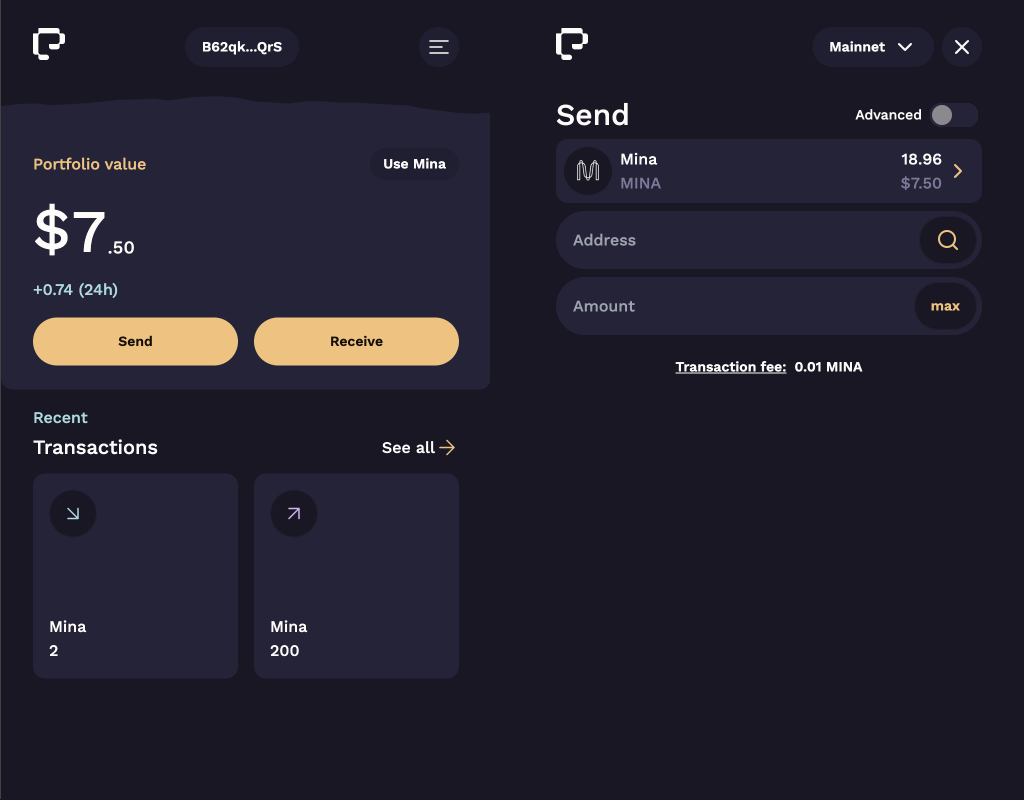
- [**Pallad**](https://get.pallad.co/website) - Open the wallet, tap "*Send*". Enter address and amount, and tap "*Next*". Enter your spending password and submit to confirm the transaction.
:::note
When sending transactions on a blockchain, such as Mina, senders must include a transaction fee. Most wallets calculate a recommended fee. You can also view a suggested fee amount based on current network transaction volume at this community-created [Gas Station website](https://fees.mina.tools/).
:::
### Viewing your transction on a blockchain explorer
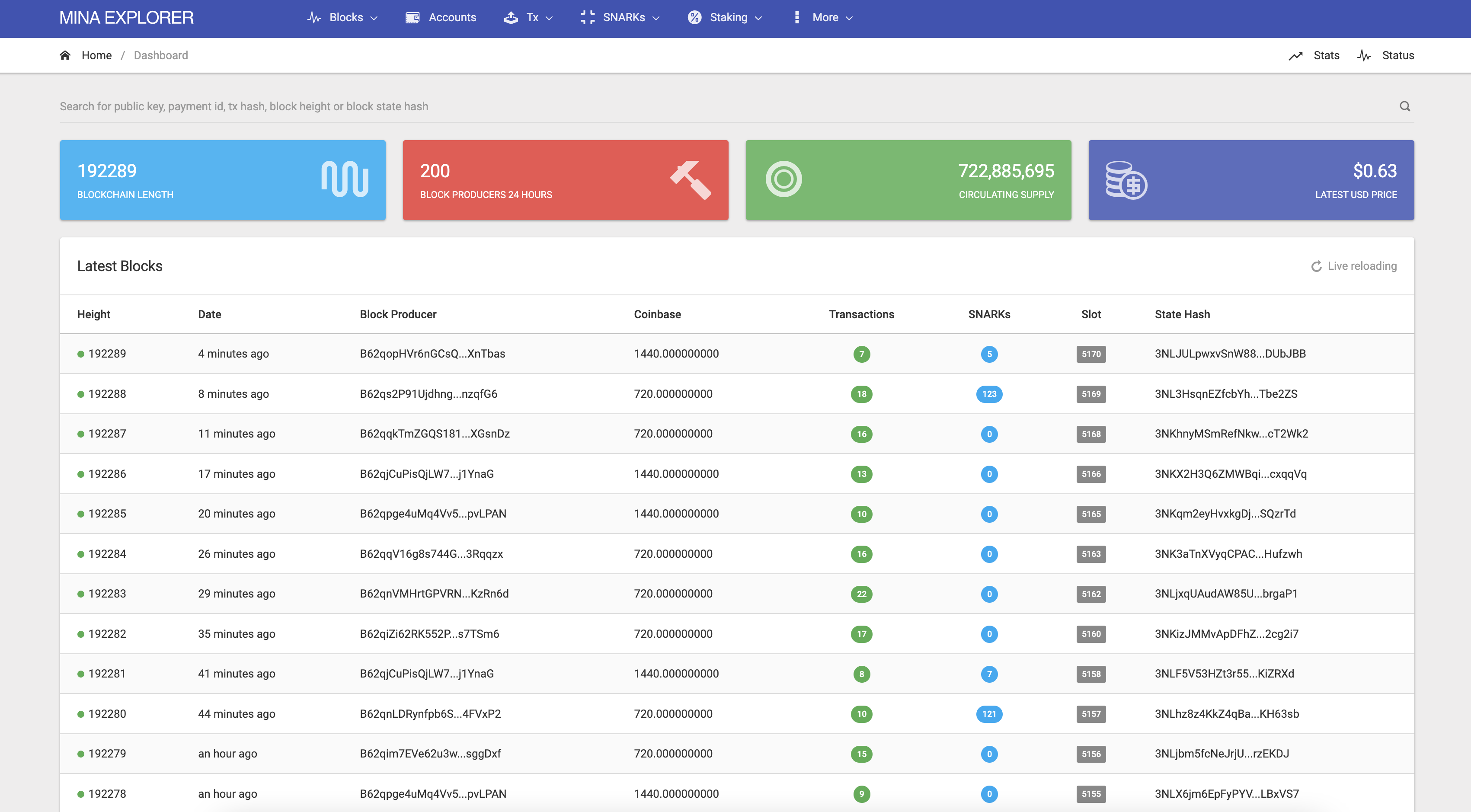
You can view your transactions using one of the community-run blockchain explorers:
- [MinaScan](https://minascan.io/)
- [Minataur](https://minataur.net/)
- [MinaSearch](https://minasearch.com/) (in development by Granola)
 at the top to copy your address.
- [**Ledger Hardware Wallet**](https://www.ledger.com/mina-wallet) - Follow the [instructions on creating a Ledger Mina account via Auro Wallet](https://support.ledger.com/hc/en-us/articles/5458493215901-Creating-a-Ledger-MINA-account-via-Auro-Wallet?docs=true), then see the instructions for receiving MINA on Auro wallet above.
- [**Pallad**](https://get.pallad.co/website) - Open the wallet, tap "*Receive*", and tap "*Copy to clipboard*" to share your address. Wallet's QR code is displayed as well.
at the top to copy your address.
- [**Ledger Hardware Wallet**](https://www.ledger.com/mina-wallet) - Follow the [instructions on creating a Ledger Mina account via Auro Wallet](https://support.ledger.com/hc/en-us/articles/5458493215901-Creating-a-Ledger-MINA-account-via-Auro-Wallet?docs=true), then see the instructions for receiving MINA on Auro wallet above.
- [**Pallad**](https://get.pallad.co/website) - Open the wallet, tap "*Receive*", and tap "*Copy to clipboard*" to share your address. Wallet's QR code is displayed as well.